
How to Buy a Saino Subscription with eSewa (4 Easy Steps)
If you're in Nepal, paying through international card networks or app store billing isn't always the most convenient option. That's why Saino also lets you subscribe to Premium using eSewa, one of Nepal's most popular and trusted digital wallets. The whole process takes just four steps and a couple of minutes. Here's exactly how it works.
Why Use eSewa for Your Saino Subscription?
eSewa is widely used across Nepal for everything from utility bills to online shopping, which makes it a familiar and reliable choice for local users. Paying through eSewa means:
- No need for an international credit or debit card.
- A fast, secure checkout you already know how to use.
- Instant activation of your Saino Premium features once payment is confirmed.
Step-by-Step: Buying a Saino Subscription via eSewa
1. Go to sainoapp.com. Open your browser and visit the official Saino website.
2. Select “eSewa Subscription.” From the website's menu, choose the eSewa Subscription option to begin.
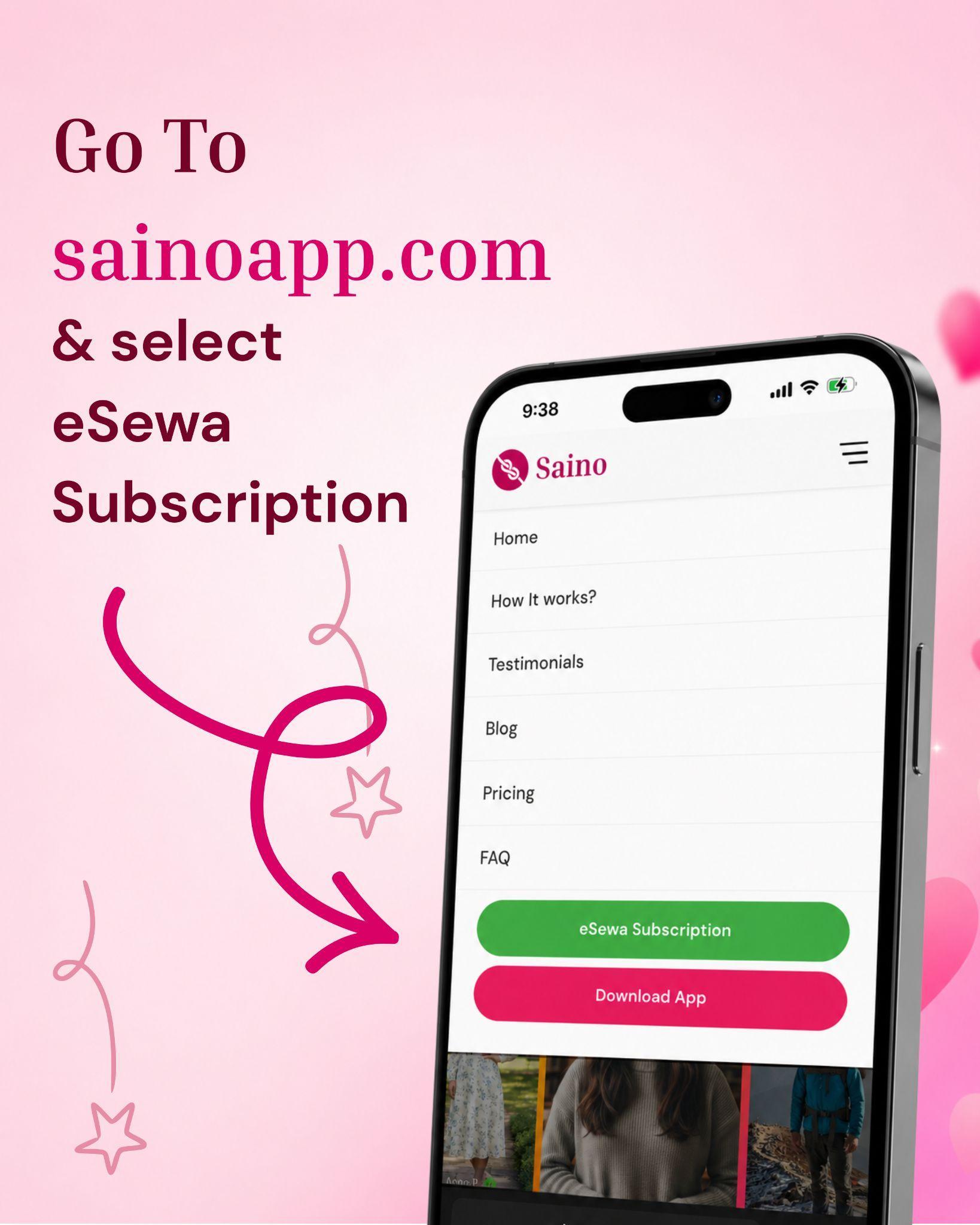
Visit sainoapp.com and select “eSewa Subscription” from the menu.
3. Choose your plan. Pick the subscription plan that suits you best from the available options.
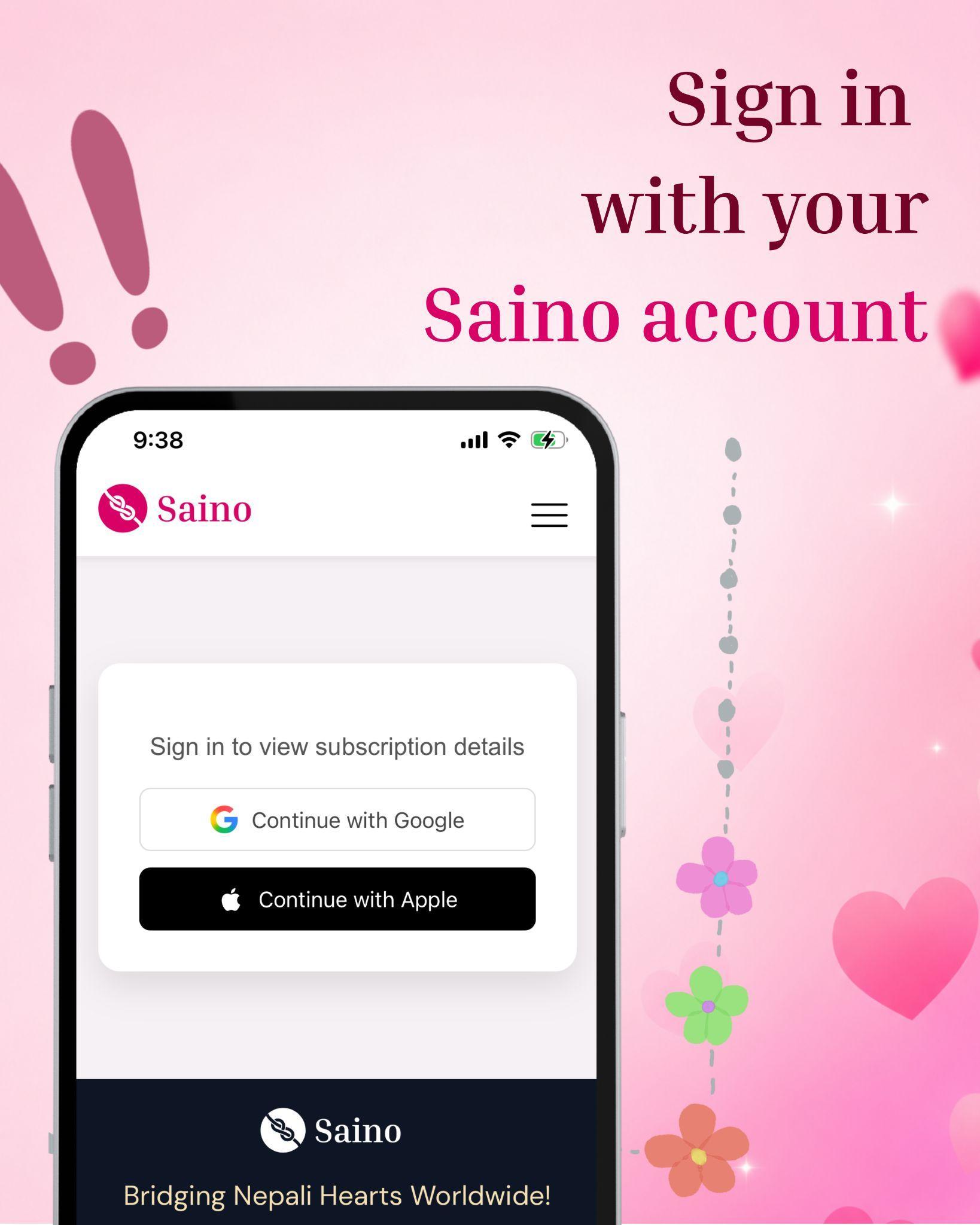
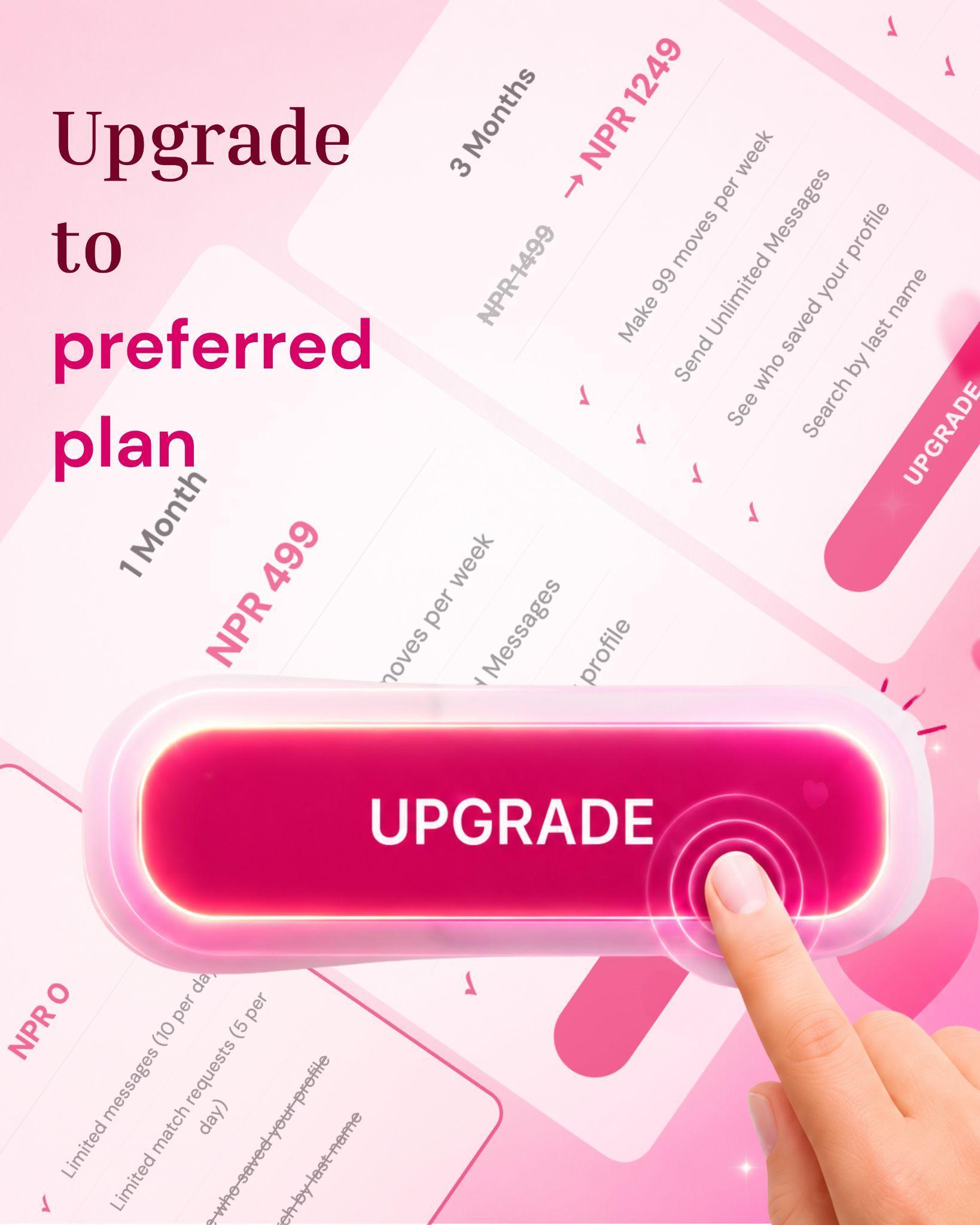
Sign in with your Saino account and select Preferred plan from the options.
4. Log in and pay with eSewa. You'll be redirected to eSewa's secure payment page. Log in with your eSewa credentials and confirm the payment to activate your subscription.
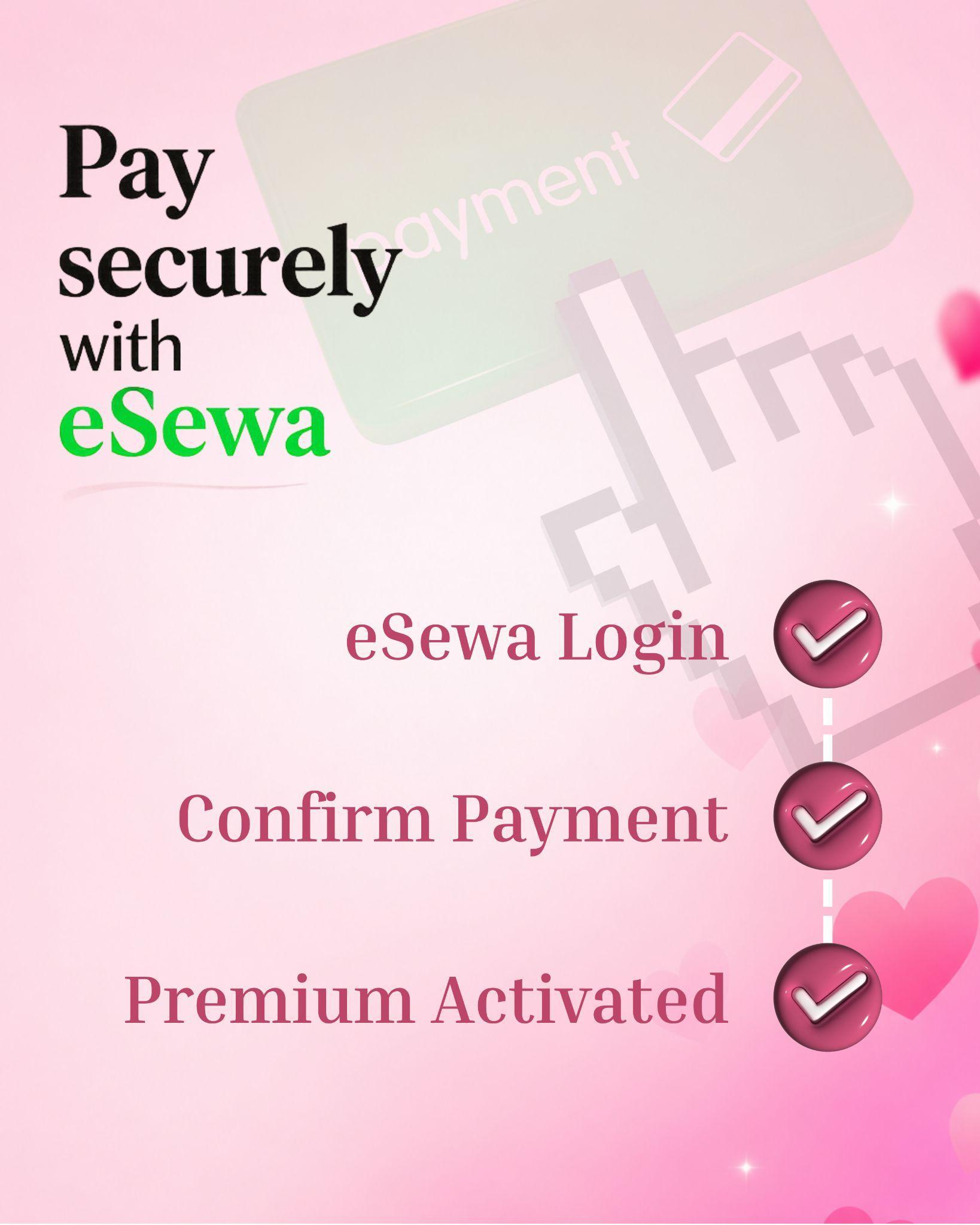
Complete your payment securely through eSewa, then return to Saino with Premium activated.
Once your payment is confirmed, your Saino Premium features will be unlocked automatically, no extra steps required.
Frequently Asked Questions
Final Thoughts
Subscribing to Saino Premium through eSewa is one of the quickest ways for users in Nepal to unlock the full app experience, no international card required. Just visit sainoapp.com, pick your plan, and you'll be up and running in minutes.